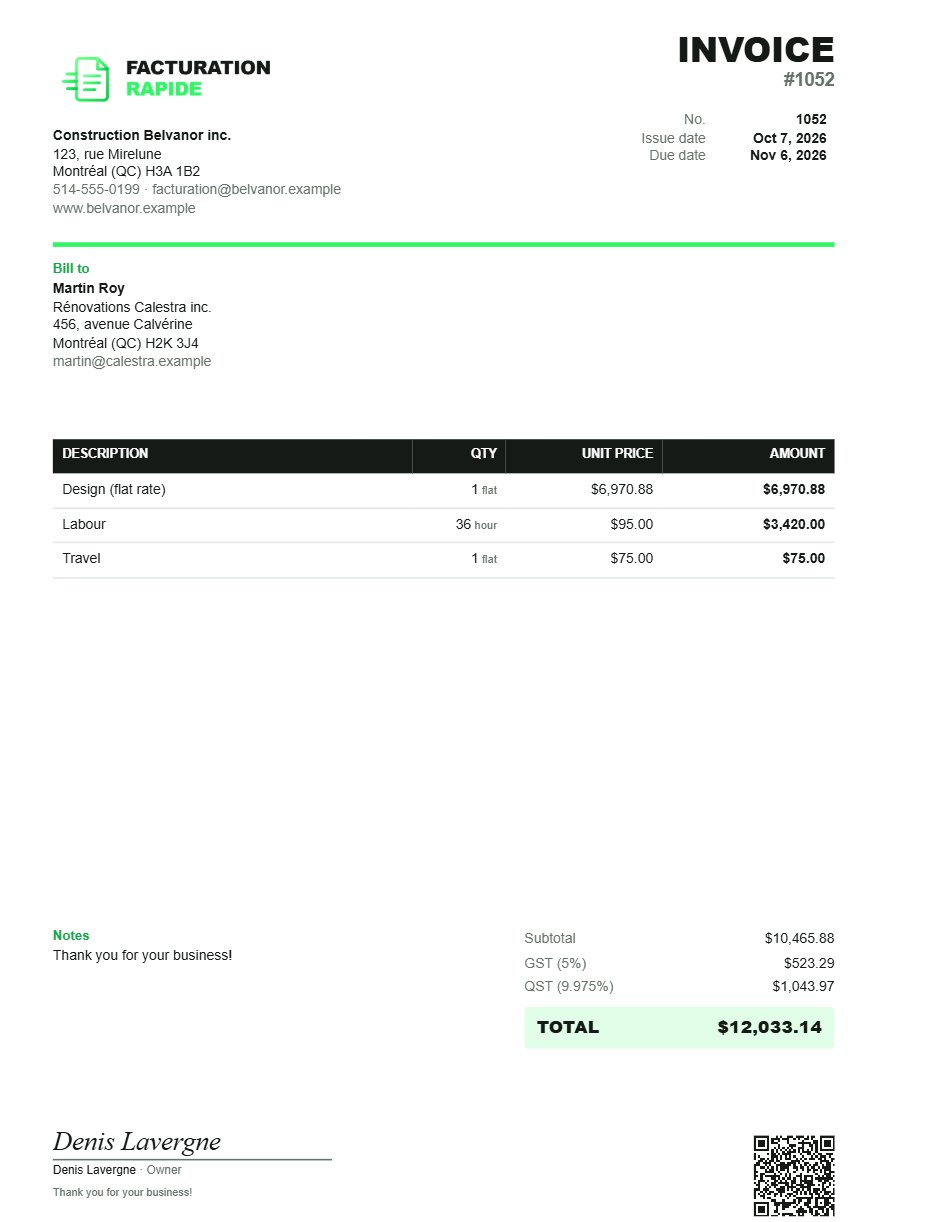
Your invoice, your image.
Customize your logo, details, colours and sections. Invoices that truly reflect your business.
Full customizationCustomize every detail, send in seconds and track your invoices without getting lost in complicated accounting software.
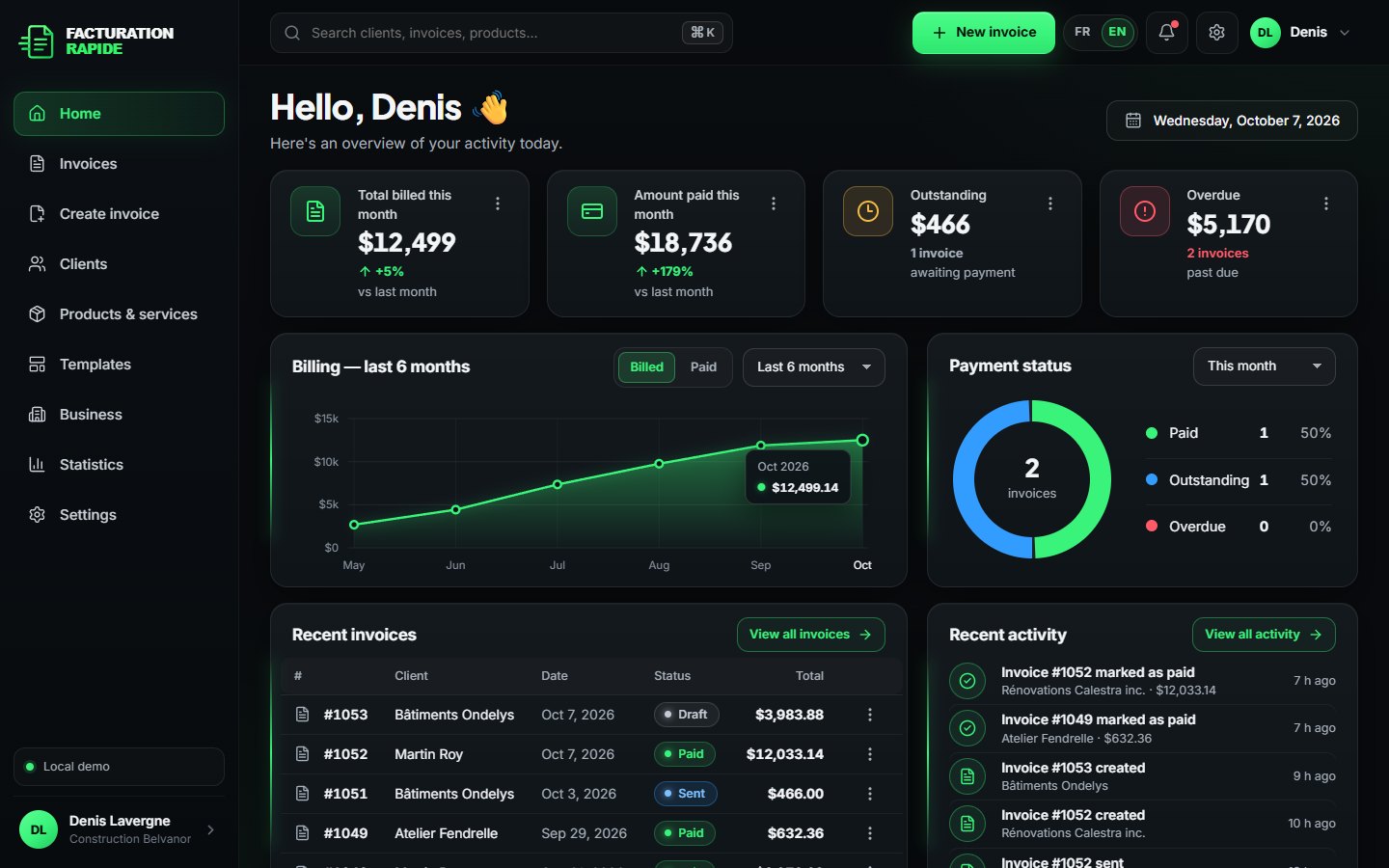
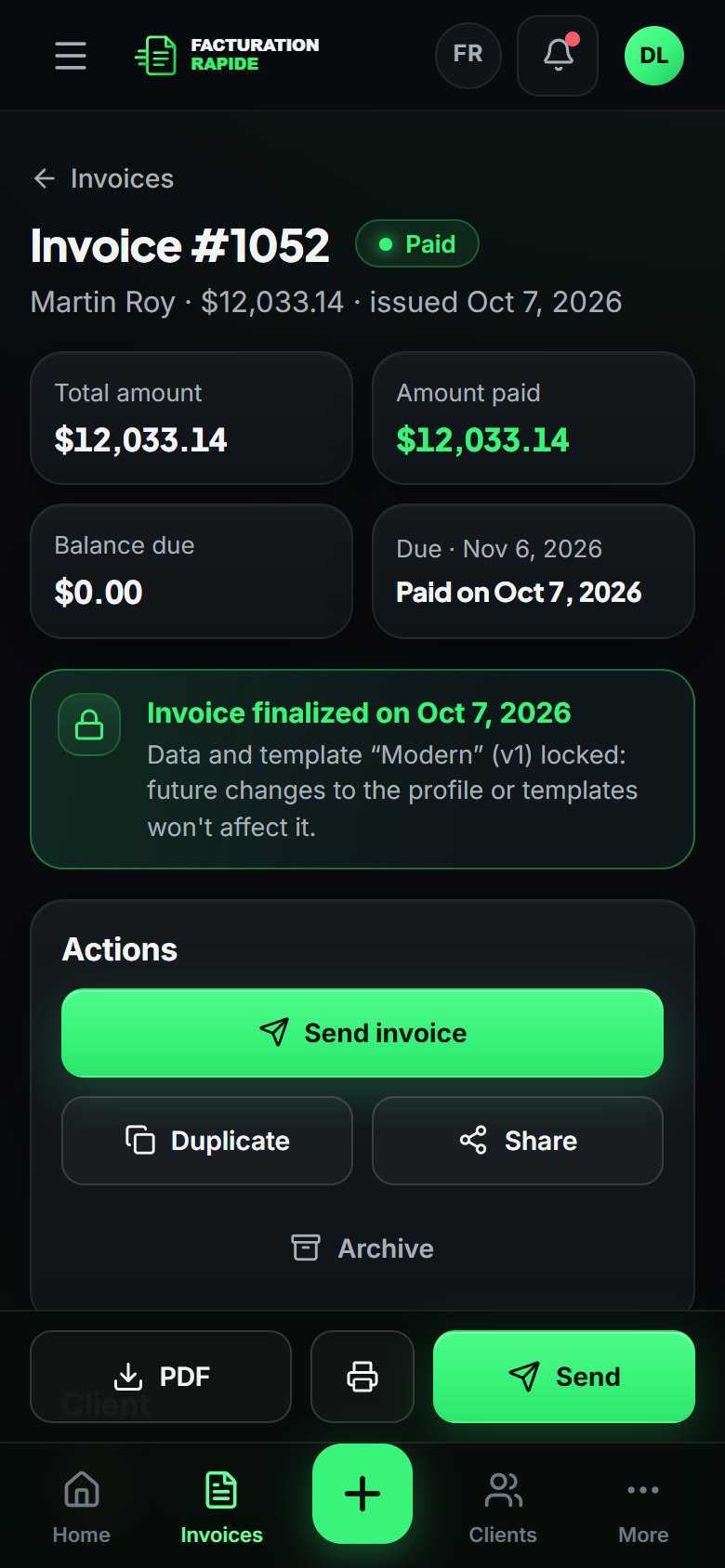
Customize your logo, details, colours and sections. Invoices that truly reflect your business.
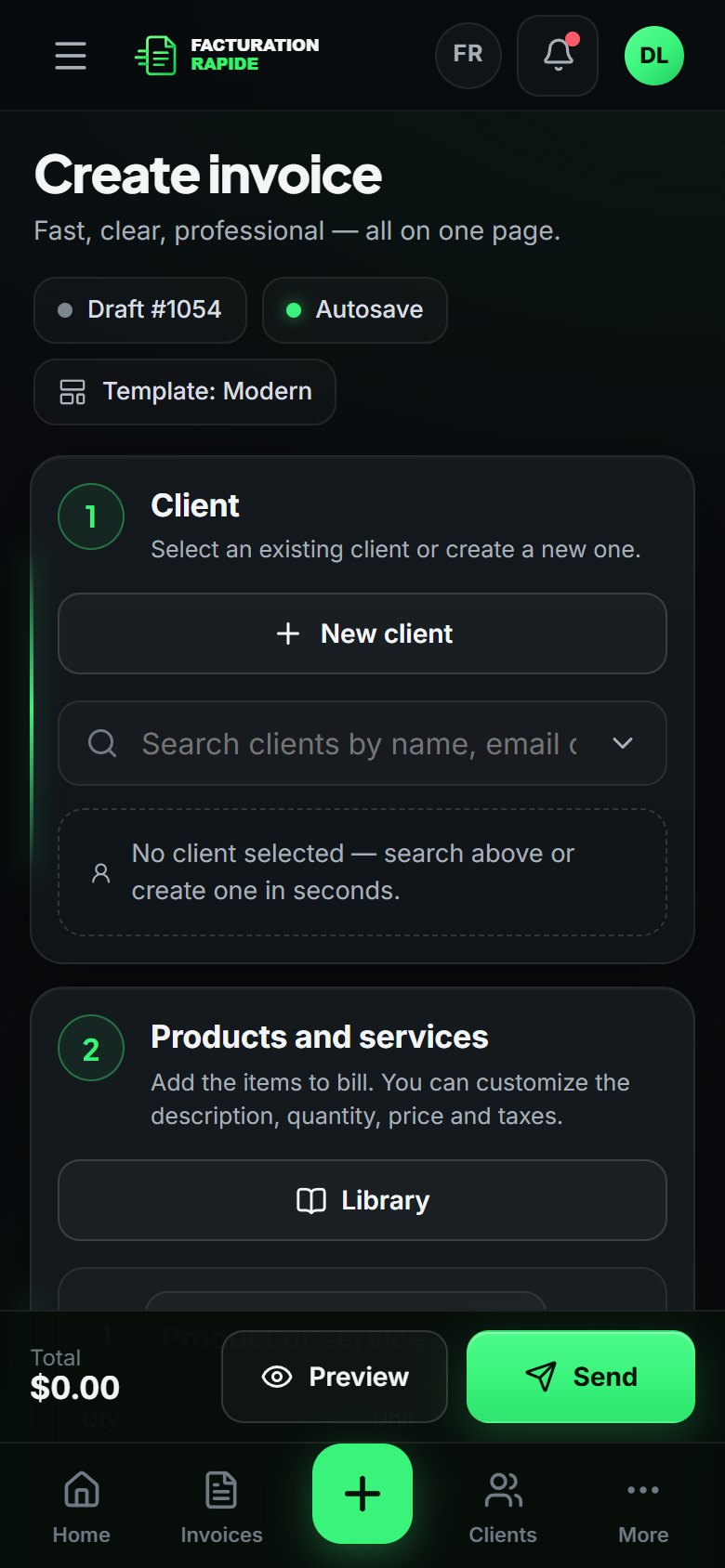
Full customizationFind a client, add your services, adjust quantities and send your invoice from your phone.
Built for life on the goNo needless accounting menus. Invoices, clients, products, templates, PDF and tracking: nothing more complicated than needed.
Simple and effectiveEverything you need to invoice and get paid, nothing more.
One page to create an invoice; the draft saves itself.
Several templates, one per use; pick the right one in seconds.
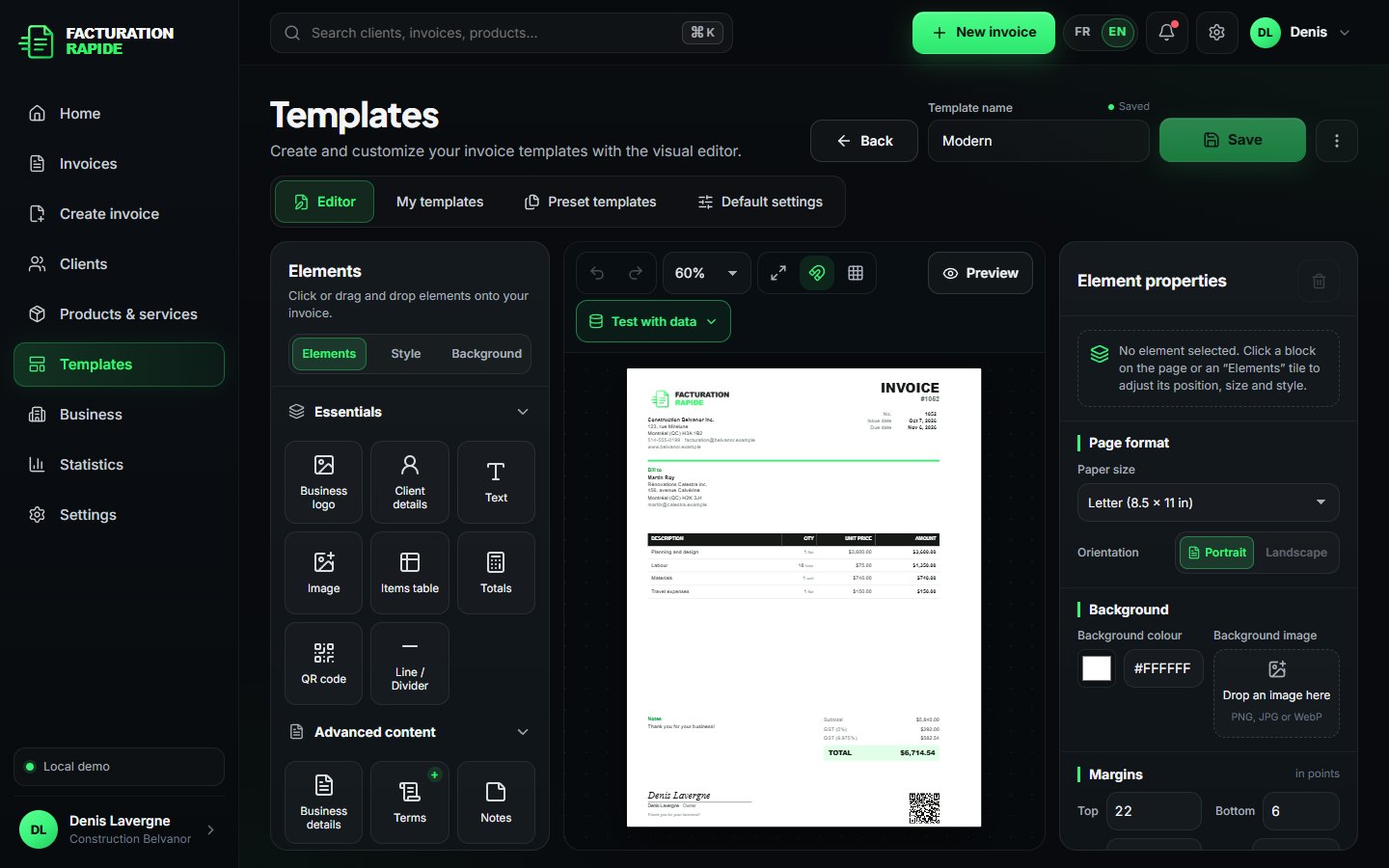
Place every block with the mouse or down to the exact point.
A background image you can move, resize, rotate and make transparent.
A client book and a reusable service catalogue.
A real PDF true to the preview, ready to send or print.
Share the PDF with the apps on your device.
Built-in email sending (simulated in the demo, no real email).
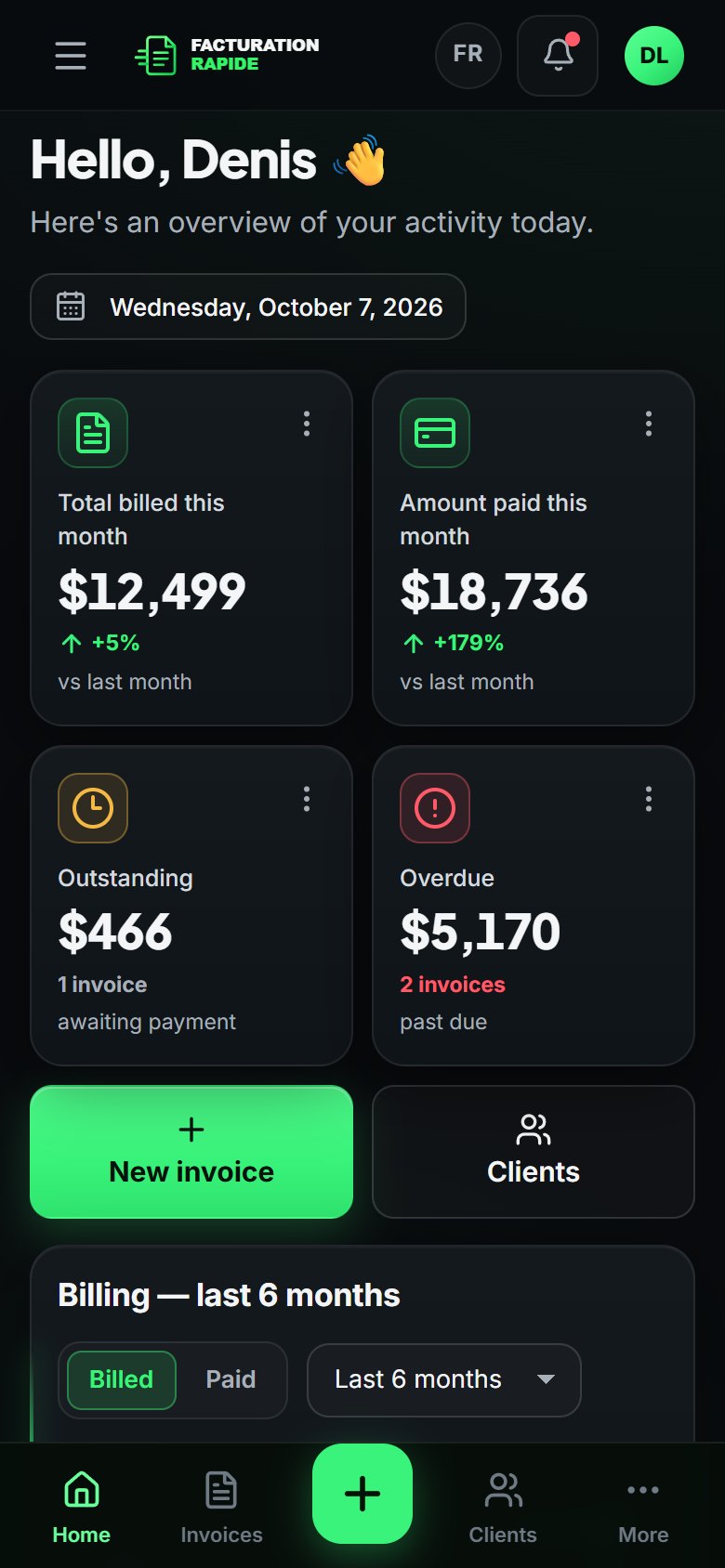
Billed, paid, outstanding, overdue: the essentials.
Invoices in English or French, depending on your client.
Add it to your home screen, no App Store needed.
Move blocks, adjust sizes, use an image or a watermark as the background, create several templates and pick the right one in seconds.
Name, logo, contact details and taxes: just once.
Place your blocks, colours and background image in the Studio.
Client, lines, total: it all fits on one page.
PDF, sharing, sending and paid or overdue status.
Install Facturation Rapide on your phone. Add the app to your home screen and use it like any other app, without downloading it from an App Store.
One plan. Every essential invoicing feature, with no complicated tiers.
One plan. Every essential invoicing feature, with no complicated tiers.
Demo: no payment is requested or processed.
Yes. Every screen is designed for phones: large touch targets, invoice lines shown as cards, total and actions always visible at the bottom. You can also install the app on your home screen.
Yes. In the Studio, you move and resize every block (logo, client, table, totals, signature, QR…), choose your colours and font, and add a background image you can move, enlarge, shrink, rotate and make transparent.
GST (5%) and QST (9.975%) are preconfigured and can be turned on invoice by invoice. Amounts are calculated to the exact cent, line by line, with discounts and non-taxable lines.
Yes. The preview and the PDF use the same layout engine and the same settings (positions, sizes, background image). The services table grows and continues on the next page when needed.
Try the full demo: sample data, no card, everything stays on your device.